Figma: The Essential Tool for Custom, High-End Web Design

Figma has become one of the most powerful and indispensable tools in modern web design. As a freelance web designer and Webflow developer, I use Figma to create clean, intuitive, and fully customized interfaces that elevate your brand. Whether you’re in Europe or in the US, Figma allows us to collaborate seamlessly and build a website that is truly tailored to your business.
A Fully Custom Design Built Around Your Brand
Your business has its own identity, values, and story. Your website should express that uniqueness—not rely on generic templates.
With Figma, I create:
- a unique visual identity
- modern, clean UI layouts
- a strong and consistent design system
- refined typography and color palettes
- conversion-driven page structures
- a premium aesthetic aligned with your brand
Every detail is crafted to offer your visitors a smooth, engaging and memorable experience.
👉 Learn more about my achievements: Web Design Portfolio.

🚀 Figma as the Design Phase Before Webflow Development
Before developing your website in Webflow, every project goes through a structured, strategic design process inside Figma.
This ensures that you validate the entire design before a single line of code is written.
Here is the workflow:
1. Zoning
The initial step where we define:
- the overall structure of the page
- content blocks
- navigation intentions
- user flow
This provides a clear vision of the layout before moving into design thinking.
2. Wireframe
A more detailed black-and-white version of the page that focuses on:
- UX and usability
- information hierarchy
- content organization
- layout clarity
This step creates the structural backbone of your future website.
3. High-Fidelity Mockup (UI Design)
The final design stage including:
- brand colors
- typography styles
- spacing, rhythm and grid
- component design
- imagery and visual direction
- prototype previews and micro-interactions
Once validated, this becomes the blueprint for a pixel-perfect Webflow build.
👉 Learn more: Custom Webflow Development.

🤝 A Clear, Transparent, Collaborative Process
Figma makes collaboration effortless thanks to:
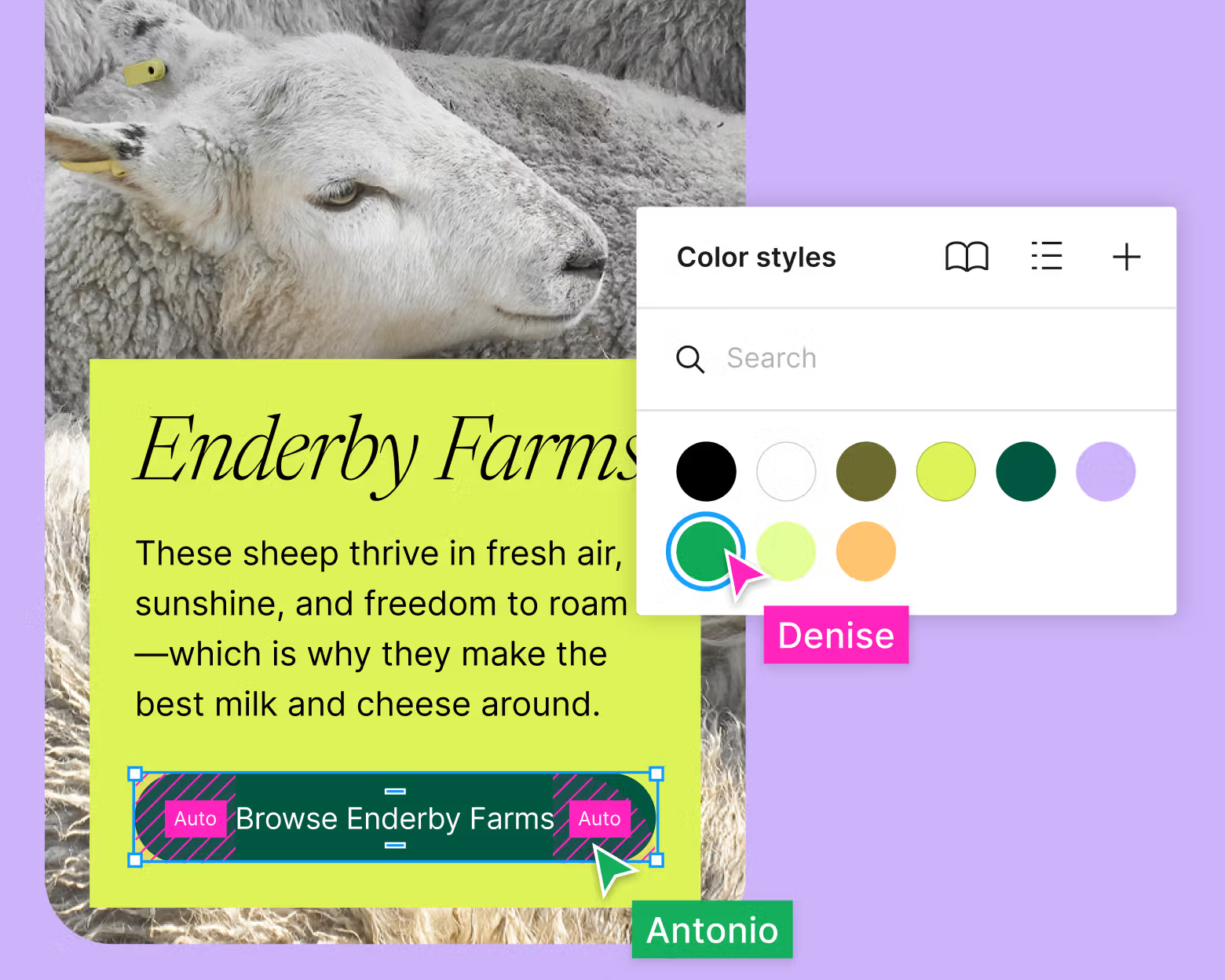
- real-time comments
- clear versioning
- shared previews
- the ability to approve each design step
- instant feedback loops
Instead of endless email exchanges, everything is centralized and visual.
This allows us to iterate faster, make smarter design decisions, and keep the project flowing smoothly.

Why This Process Is a Game-Changer for You
✔ A truly custom website
Every decision is intentional and tailored to your goals.
✔ Total clarity before development
You know exactly what the final website will look like—no surprises.
✔ Faster, cleaner Webflow execution
A validated design means a more efficient development phase.
✔ A thoughtful UX/UI strategy
Each stage allows deeper reflection, ensuring a website that performs and converts.
My Expertise: Turning Ideas Into a High-End Digital Experience
With years of experience in Figma, UX/UI design, Webflow, and SEO, I support you from concept to launch:
- strategic workshops
- brand analysis
- tailored UX planning
- high-fidelity UI design
- Webflow development
- technical SEO optimisation
- testing, launch & training
The result: a modern, responsive, SEO-friendly and high-performance website designed to help your business grow.
👉 Ready to discuss your project? Contact me here.
Ready to Bring Your Custom Website to Life?
Whether you are launching a startup, running an established company, or building a new online presence, Figma enables us to work together in a visual, strategic and collaborative way.
Your website starts with a strong foundation:
✔ a tailored Figma design
✔ validated step by step
✔ transformed into a pixel-perfect Webflow build
FAQ
Why has Figma become the go-to UI/UX design tool in 2025?
Figma has established itself as the standard for UI/UX design thanks to its 100% cloud nature, real-time collaboration and intuitive interface accessible from any browser. Unlike tools such as Adobe XD or Sketch, Figma lets multiple people work on the same file simultaneously, with built-in version history. Its component, style and variable system makes it ideal for building and maintaining consistent design systems.
What's the difference between a Figma design and the final Webflow site?
A Figma file is a static visual mockup (or interactive prototype) representing the desired look of the site. Webflow is the environment where that mockup comes to life as real, responsive and interactive HTML/CSS. Moving from Figma to Webflow requires a development step: the structure, animations and interactions must be recreated manually in Webflow to produce a faithful, performant and maintainable result.
How does Figma make collaboration between the designer and client easier?
Figma lets you share a view-only link with the client, with no account required on their end. The client can comment directly on the mockups, ask questions about specific elements and approve screens one by one. This asynchronous collaboration significantly speeds up approval cycles and reduces miscommunication that often comes from back-and-forth emails. Both parties always work on the latest version of the file.
Can you build a complete design system in Figma for a Webflow site?
Yes, and it's actually the best approach for larger projects. A Figma design system includes reusable components (buttons, cards, navigation, forms), typography styles, colour palettes and spacing rules. This system then serves as the direct reference for Webflow development, where each component is faithfully reproduced. It ensures visual consistency across the whole site and makes future updates much easier.
How long does it take to create a complete Figma mockup before a Webflow build?
The timeline depends on project complexity. For a 5 to 8-page brochure site, the Figma design phase typically takes 1 to 3 weeks, including client feedback rounds. For a more complex site with a CMS, multiple dynamic page templates and a design system, expect 3 to 6 weeks. The design investment pays off during development by reducing indecision and last-minute changes.